
Caffeine
Caffeine is a tiny free Windows utility from Zhorn Software that keeps your computer awake and stops the screen from locking or sleeping.
306.0 KB

TCP Optimizer is a small free Windows utility from Speed Guide, Inc. that adjusts TCP/IP network settings for your internet connection.
Average 0.0 · ratings: 0
Thank you! Your rating is saved; you can change it. Could not save the rating. Please try again later. Too many ratings from your network today. Please try again tomorrow. The average appears after 5 ratings.
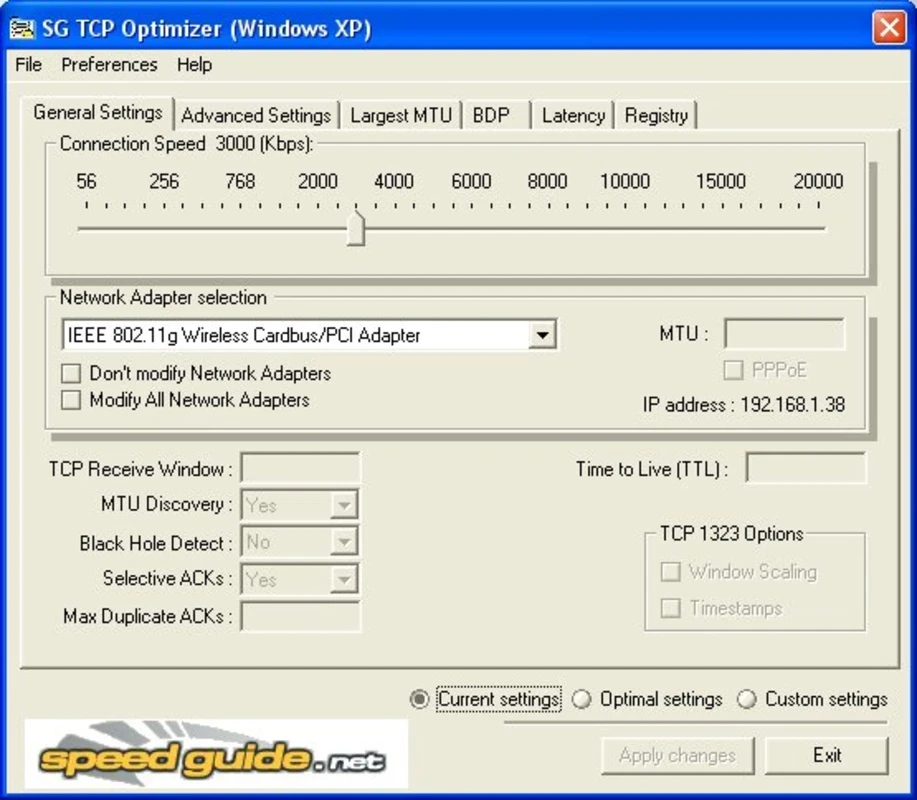
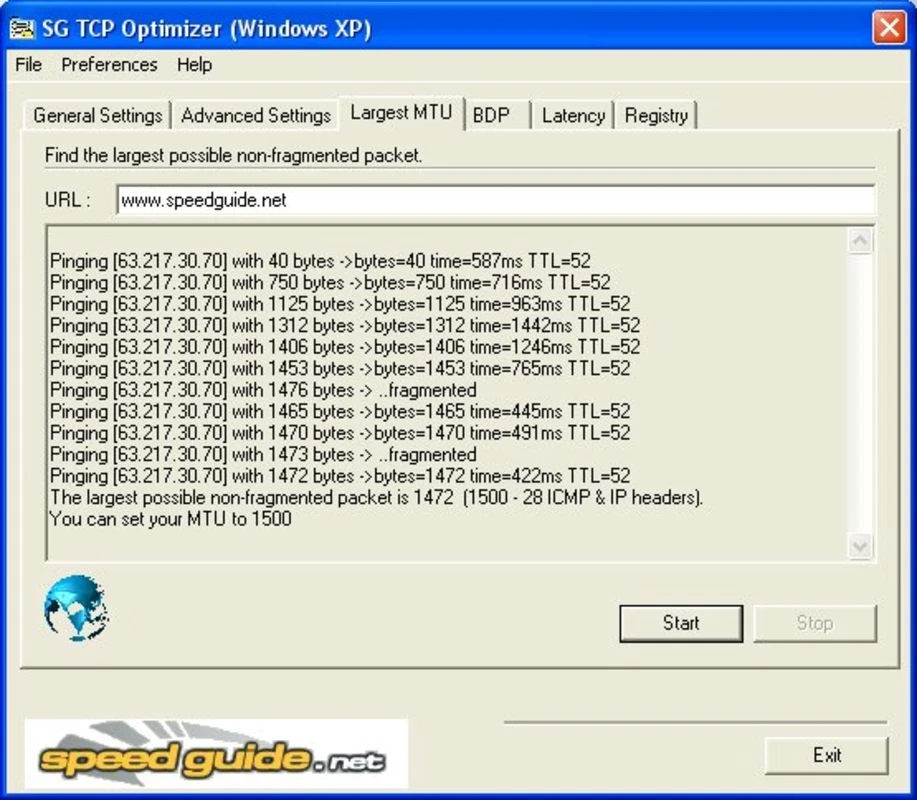
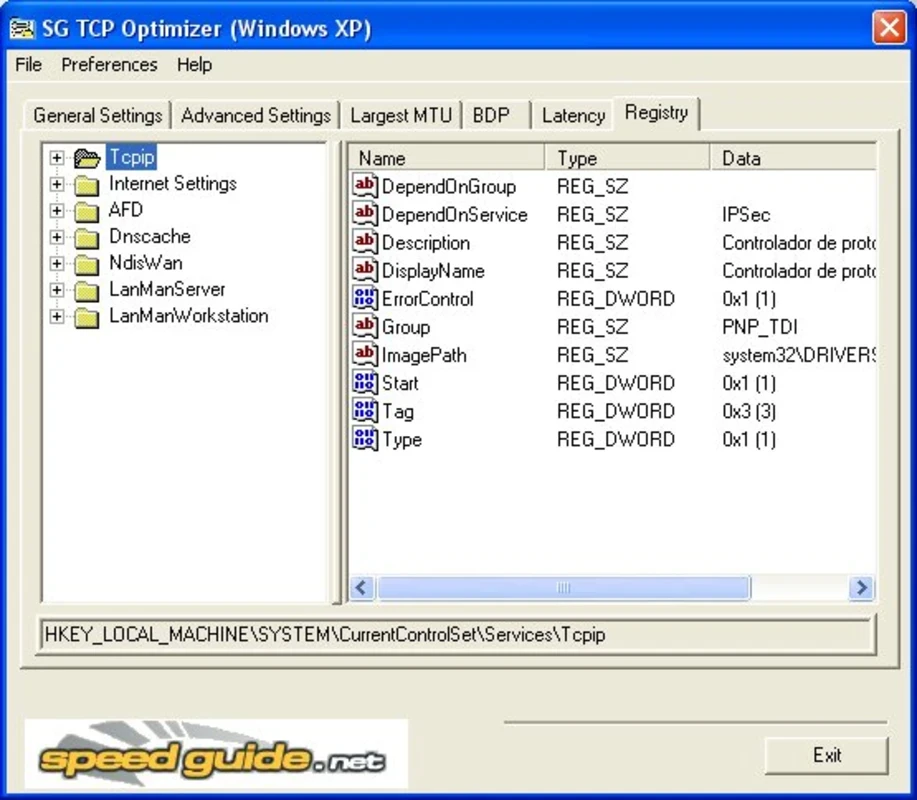
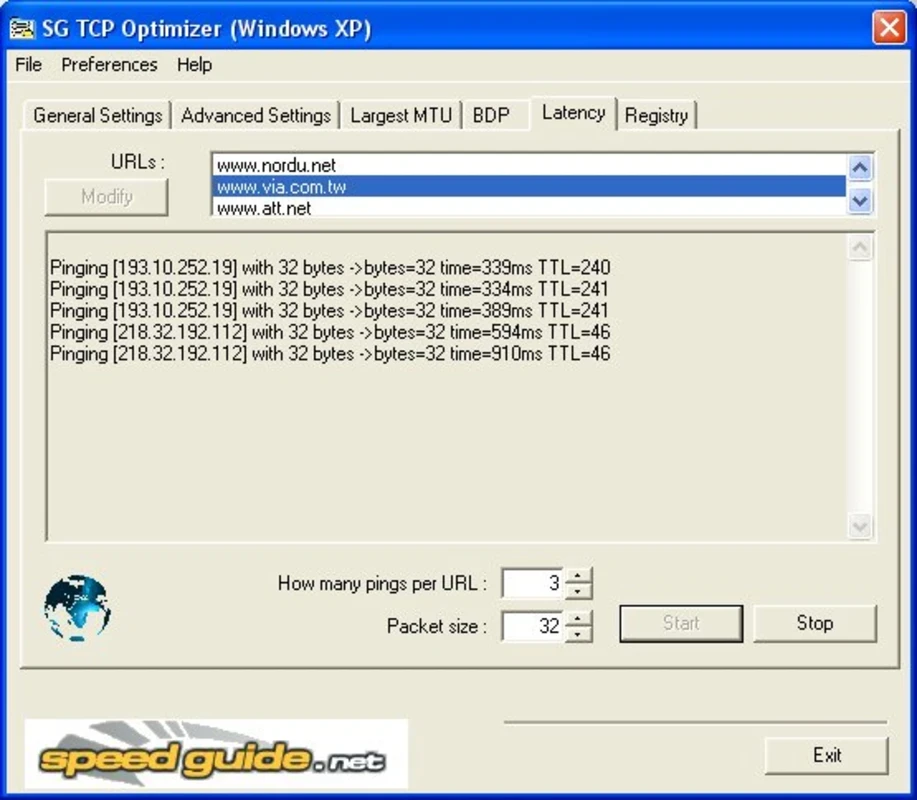
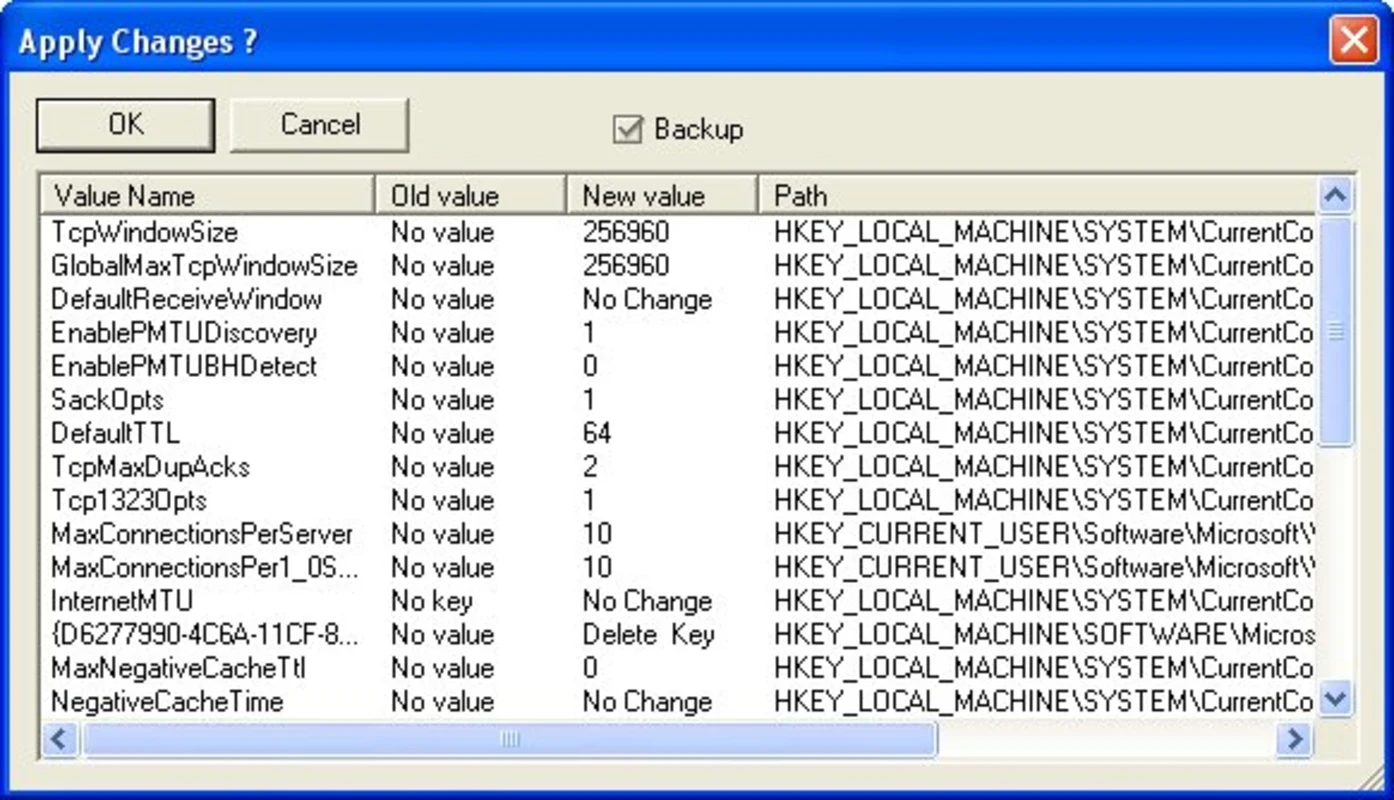
TCP Optimizer 4.1.1 is a free Windows utility from Speed Guide, Inc. that adjusts the operating system's TCP/IP network settings to match your internet connection. You can download TCP Optimizer from the SpeedGuide website; it is a tiny program aimed at people who like to tune their PC by hand.
Windows decides on its own how large network buffers are, how packets are acknowledged and how the connection reacts to delays. Those defaults are a compromise that fits most users, but not every line: a fast fibre link, an old DSL line and a mobile hotspot behave very differently. TCP Optimizer puts these hidden settings on one screen. You tell it the speed of your connection, choose a preset or set values yourself, and it writes the changes to the system. The tool is popular among gamers and people who troubleshoot slow downloads, but it is not magic: if the bottleneck is your provider, your Wi-Fi or a busy server, no registry value will fix it. In many modern systems the gain is small, so treat it as a tool for experiments and diagnostics rather than a guaranteed speed boost.
TCP Optimizer runs on Windows and needs administrator access. No installation is required in the usual sense, and there are no other components to add.
The program itself is harmless when you get it from SpeedGuide. The risk lies in the settings: a wrong combination can make the connection slower or unstable. That is why the backup step matters. If something goes wrong, restore the saved settings or the Windows defaults from the program and restart.
Try it when downloads stay far below the speed your plan promises on a wired connection, when an old PC moved to a much faster line, or when a game or stream suffers from lag that other checks did not explain. Change one thing at a time and measure after each step; otherwise you will not know what helped.
TCP Optimizer is free, with no paid edition.
For other tuning and cleaning tools on our site, see Timer Resolution, Mem Reduct, CCleaner and Advanced SystemCare Free. None of them edits network settings in the same depth, so for this task TCP Optimizer stands apart.
Caffeine is a tiny free Windows utility from Zhorn Software that keeps your computer awake and stops the screen from locking or sleeping.

Windows 10 Update Assistant is a free Microsoft tool that updates a Windows 10 PC to the latest feature update without waiting for Windows Update.

Mem Reduct is a tiny open-source Windows utility by Henry++ that shows memory usage in the tray and frees RAM on demand or automatically.

MSI Kombustor is a free graphics card stress test and benchmark from MSI, used together with MSI Afterburner to check stability.

GS Auto Clicker is a tiny free Windows program from goldensoft that clicks the mouse automatically at a set interval, started and stopped with a hotkey.

CCleaner is Piriform's utility suite for removing temporary files and cleaning up Windows. The free edition covers basic cleaning.

Custom Resolution Utility (CRU) is a tiny free Windows tool by ToastyX for adding custom resolutions and refresh rates to monitors.

NZXT CAM is NZXT's free Windows app for its PC hardware, used to keep an eye on the computer and manage compatible NZXT components.